New User Exclusive 72-hour Free Trial. Available on all platforms. Experience lightning-fast connection now!
Home Download Pricing Blog Help Referral

DownloadLetsVPN VPN
iOS Version

Supports iOS 13+, for iPhone and iPad.

  • 3-second lightning speed, smart matching to fastest node
  • 256-bit encryption, zero-log privacy
  • 2000+ global nodes, unlimited data, no speed limits

Overseas Apple ID can directly search on App Store and search download。Download slow?Try Alternative Link
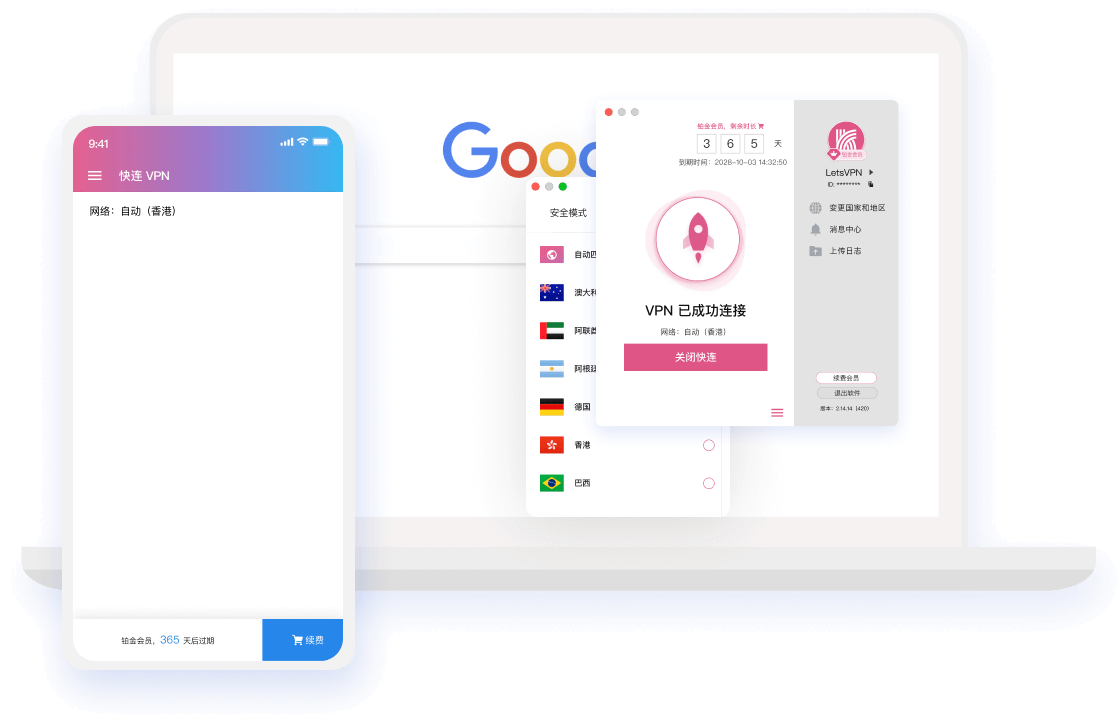
LetsVPN VPN iOS Client
Windows macOS Android iOS Linux(Coming Soon)
3-Step Setup

iOS Installation Guide

Follow the three steps below and you'll be enjoying the global network in minutes.

1

get the app

Click the button above to go to App Store,or use an overseas Apple ID Search for 'LetsVPN VPN' and download.

2

Login

Open the app and log in,On first use, allow adding VPN configuration profile。

3

One-Click Connect

Select a node and tap connect — the VPN icon appears in the status bar when connected.

Multi-device Sync

Use on All Your Devices

One account for all devices — multiple devices online simultaneously.

Help Center

iOS FAQ

Didn't find your answer? Contact our 24/7 online support.

You need to use an overseas(such as Hong Kong region、Log in to the App Store with a US Apple ID, then search and download. Your account membership is not affected by region.
在「App Store」Sign out of your current account from the avatar in the top right,LoginUse an overseas Apple ID. No need to change your device's system account.
Go to Settings > General > VPN & Device Management and trust the LetsVPN VPN configuration profile.
Yes. iPad and iPhone share the same account and membership — multi-device depends on plan.

Start Your High-Speed Network Now

Download LetsVPN VPN for free and enjoy a 72-hour full-feature trial.

\u672c\u7ad9\u4f7f\u7528 Cookies \u4f18\u5316\u60a8\u7684\u6d4f\u89c8\u4f53\u9a8c\u3002\u7ee7\u7eed\u6d4f\u89c8\u5373\u8868\u793a\u60a8\u540c\u610f\u3002