New User Exclusive 72-hour Free Trial. Available on all platforms. Experience lightning-fast connection now!
Home Download Pricing Blog Help Referral

DownloadLetsVPN VPN
Android Version

Supports Android 7.0+, installer ~22 MB.

  • 3-second lightning speed, smart matching to fastest node
  • 256-bit encryption, zero-log privacy
  • 2000+ global nodes, unlimited data, no speed limits

Also available on Google Play Download。Download slow?Try Alternative Link
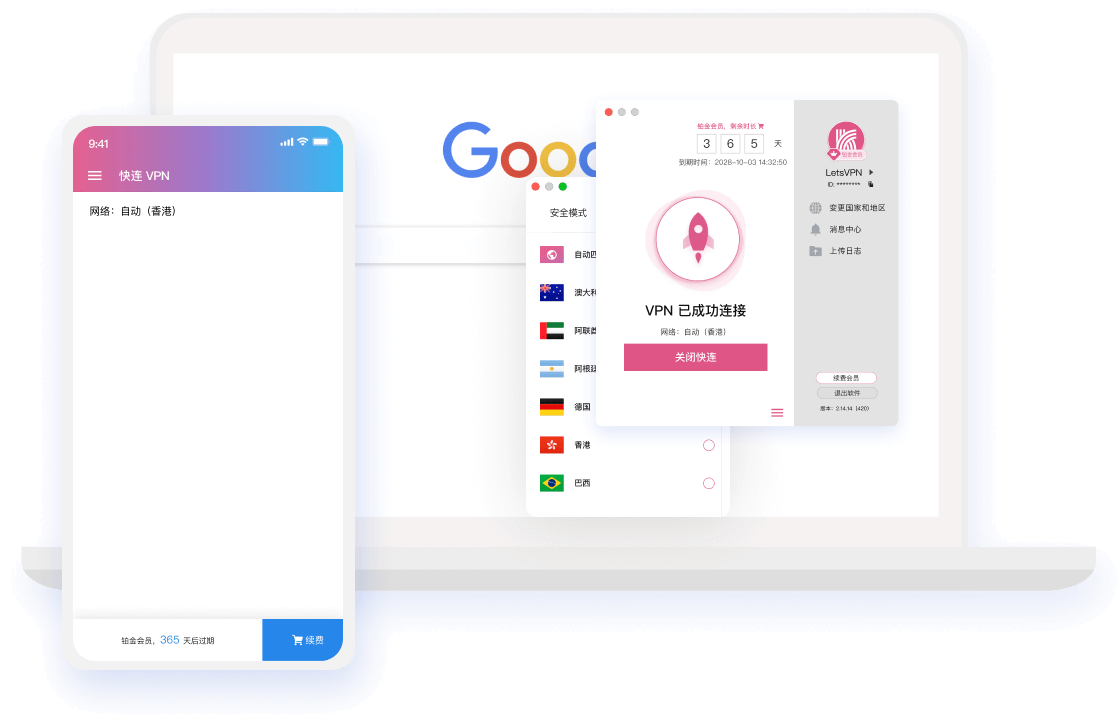
LetsVPN VPN Android Client
Windows macOS Android iOS Linux(Coming Soon)
3-Step Setup

Android Installation Guide

Follow the three steps below and you'll be enjoying the global network in minutes.

1

Download & Install

Download the .apk file and tap install. If prompted about unknown sources, allow this installation in settings.

2

Login

Open the app and log in,New users can register to claim 72-hour Free Trial。

3

One-Click Connect

Select a node and connect — grant VPN permission on first connection.

Multi-device Sync

Use on All Your Devices

One account for all devices — multiple devices online simultaneously.

Help Center

Android FAQ

Didn't find your answer? Contact our 24/7 online support.

In the popup, select 'Settings', allow installation from this source, then return to continue.
Both are official versions。Can't access Google Play h,Referraldirectly from this pageDownload .apk。
In system Battery Optimization settings, set LetsVPN to 'Unrestricted' to maintain a stable background connection.
Yes. Just download the .apk and install it. The usage is the same as other Android devices.

Start Your High-Speed Network Now

Download LetsVPN VPN for free and enjoy a 72-hour full-feature trial.

\u672c\u7ad9\u4f7f\u7528 Cookies \u4f18\u5316\u60a8\u7684\u6d4f\u89c8\u4f53\u9a8c\u3002\u7ee7\u7eed\u6d4f\u89c8\u5373\u8868\u793a\u60a8\u540c\u610f\u3002